


You might think a powerful CPU drives gaming performance, but GPUs contribute up to 80% of gaming performance improvements versus CPUs. This surprises many gamers who invest heavily in processors while overlooking graphics cards. Gaming hardware encompasses all components that work together to deliver smooth gameplay, from processors and graphics cards to RAM, storage, and peripherals. Understanding each component’s role helps you make smarter upgrade decisions and avoid costly mistakes.
Table of Contents
Key takeaways
| Point | Details |
|——-|———||
| Gaming hardware includes CPU, GPU, RAM, storage, and peripherals optimized for gameplay performance. | Each component plays a specific role in delivering smooth frame rates and responsive controls. |
| Balanced configurations prevent bottlenecks that limit overall system performance by up to 40%. | Upgrading one component without considering others often wastes money and delivers minimal gains. |
| Mobile SoCs deliver competitive frame rates using energy-efficient designs that balance performance with battery life. | Modern mobile hardware supports 60-120 fps in many games despite power constraints. |
| Ray tracing GPUs and NVMe SSDs represent cutting-edge technologies improving visuals and load times. | These emerging features enhance immersion and reduce waiting between gameplay sessions. |
What is gaming hardware?
Gaming hardware refers to specialized computing components optimized for gaming performance, visual quality, and system responsiveness. These components differ from general-purpose hardware by prioritizing speed, frame rates, low latency, and graphics fidelity over tasks like document processing or web browsing. When you build or upgrade a gaming system, you’re selecting parts designed to handle demanding graphics rendering, complex physics calculations, and rapid data access.
The core components include:
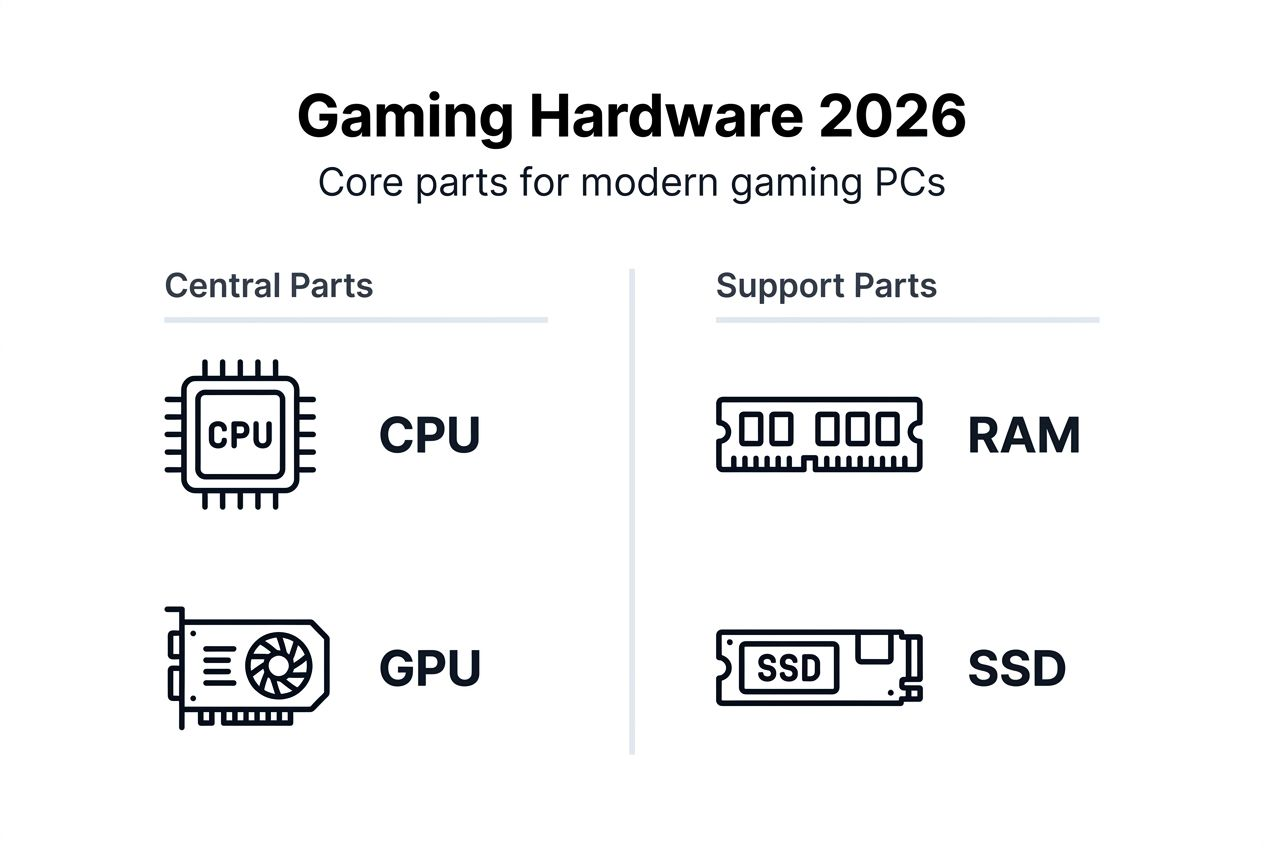
- CPU (Central Processing Unit): Handles game logic, physics calculations, and AI routines
- GPU (Graphics Processing Unit): Renders visuals, determines frame rates, and manages graphical effects
- RAM (Random Access Memory): Stores active game data for quick access and enables smooth multitasking
- Storage: Houses game files and affects loading speeds through HDD, SATA SSD, or NVMe SSD options
- Peripherals: Gaming mice, keyboards, and controllers that reduce input lag and improve control precision
Each component contributes to your overall gaming experience, but their relative importance varies based on the games you play and the performance levels you target. Understanding how these parts work together helps you identify which upgrades deliver the biggest improvements for your specific needs.
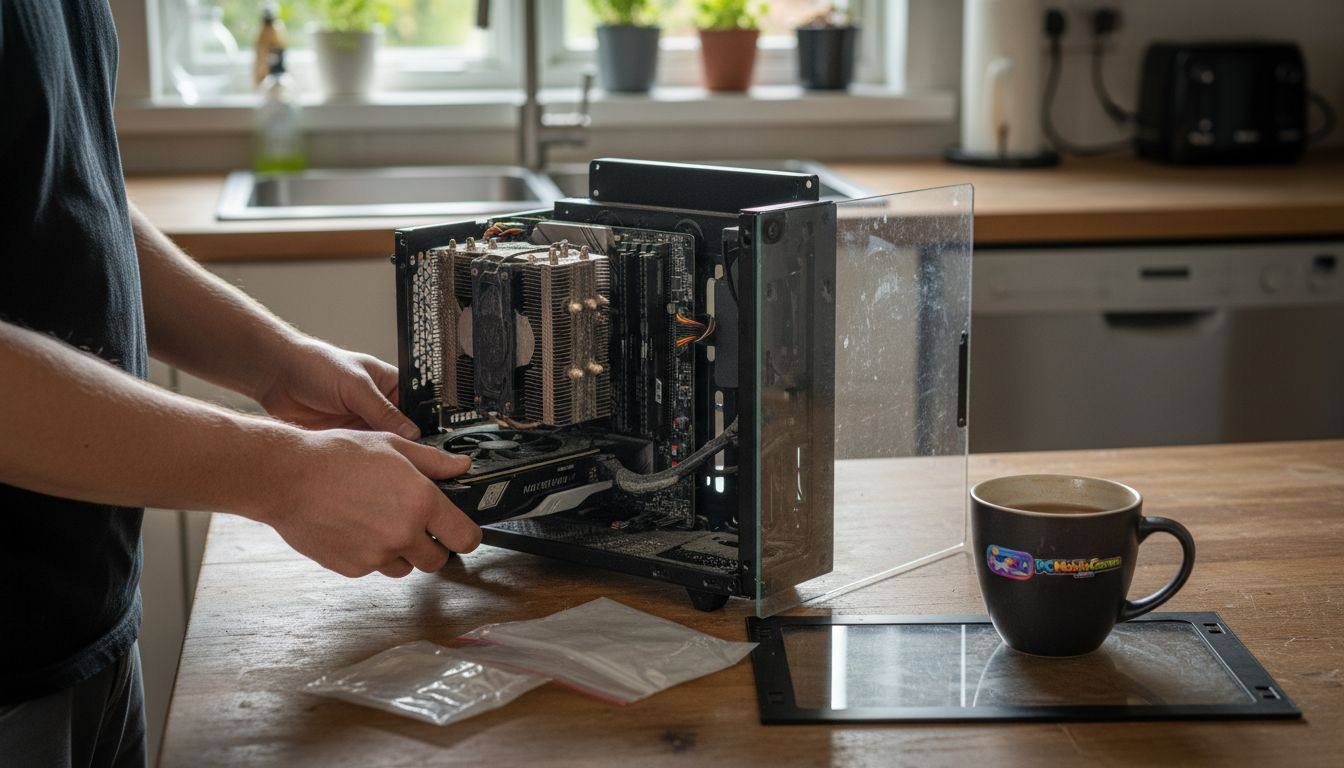
Core components: GPU and CPU in gaming
Your GPU handles the heavy lifting of rendering graphics, directly determining your frame rates and visual quality in games. When you increase graphics settings or resolution, the GPU works harder to display more detailed textures, complex lighting effects, and higher polygon counts. Upgrading your graphics card typically delivers the most noticeable performance gains, especially in visually demanding titles where frame rates directly impact gameplay smoothness.
The CPU manages game logic, physics simulations, and artificial intelligence routines that bring game worlds to life. Modern games leverage multi-core processors to distribute these tasks across several cores simultaneously, improving overall performance. However, CPU bottlenecks occur when your processor cannot keep up with your GPU’s capabilities, limiting frame rates even with a powerful graphics card. Balanced system upgrades prevent bottlenecks by ensuring both components work together efficiently.
Key performance considerations:
- GPU impact: Determines resolution capabilities, graphics settings, and frame rate ceilings in visually intensive games
- CPU role: Handles background calculations, AI processing, and physics that affect gameplay responsiveness
- Multi-core advantage: Games increasingly use 6-8 cores, making older quad-core processors potential bottlenecks
- Upgrade strategy: Pairing a mid-range CPU with a high-end GPU often outperforms the reverse configuration
Pro Tip: Check your GPU and CPU usage during gaming using monitoring software. If your GPU runs at 95-100% while your CPU stays below 70%, your system is balanced. If your CPU maxes out while your GPU idles, you’ve found your bottleneck.
When planning upgrades, consider that newer GPUs deliver generational performance improvements of 30-50%, while CPU gains between generations typically range from 10-20%. This performance gap explains why graphics card upgrades usually provide better value for gaming-focused systems. However, competitive esports titles that rely on high frame rates above 144 fps may benefit more from CPU upgrades due to their emphasis on processing speed over visual complexity.
Core components: RAM and storage
RAM capacity directly impacts how smoothly games load assets and handle multitasking while you play. When you run a game alongside voice chat, streaming software, or browser tabs, insufficient RAM forces your system to use slower storage as virtual memory, causing stuttering and performance drops. Most modern games recommend 16GB as a baseline, with 32GB becoming increasingly common for enthusiasts who stream or create content.
RAM speed matters less than capacity for gaming, though faster memory can provide 5-10% performance improvements in CPU-limited scenarios. The real-world difference between 3200MHz and 3600MHz RAM remains negligible in GPU-bound games where your graphics card determines performance ceilings. Focus on getting enough capacity first, then consider speed as a secondary factor.
Storage type dramatically affects loading times and texture streaming performance:
- HDD (Hard Disk Drive): Cheapest option with 50-100 MB/s read speeds, causing long load times
- SATA SSD: Mid-range performance at 500-550 MB/s, significantly faster than HDDs
- NVMe SSD: Premium speed reaching 3,000-7,000 MB/s, virtually eliminating load screens
- Game impact: Open-world titles benefit most from NVMe speeds through faster asset streaming
For 2026 gaming setups, we recommend pairing 16GB RAM with a 1TB NVMe SSD as your primary drive. This configuration provides ample space for your operating system and 5-10 modern games while maintaining fast load times. You can add a secondary SATA SSD or HDD for bulk storage of older games and media files. Stay updated on hardware recommendations as requirements evolve with new game releases.
PC vs mobile gaming hardware
PC gaming hardware uses discrete components with dedicated power supplies, enabling higher performance through specialized GPUs and CPUs that can consume 300-500 watts during intensive gaming sessions. This modular design allows you to upgrade individual parts as technology advances, maintaining cutting-edge performance over several years. Desktop systems achieve higher clock speeds and better thermal management through larger cooling solutions that mobile devices cannot accommodate.
Mobile gaming relies on system-on-chip (SoC) designs that integrate CPU, GPU, memory, and other components into a single efficient package. These SoCs prioritize power efficiency to extend battery life while managing heat in confined spaces without active cooling fans. Modern mobile SoCs deliver 60-120 fps in optimized games, proving that portable hardware can provide competitive gaming experiences despite thermal and power constraints.
| Feature | PC Gaming Hardware | Mobile Gaming Hardware |
|---|---|---|
| Architecture | Discrete components (separate CPU, GPU) | Integrated SoC (combined components) |
| Power Draw | 150-500W during gaming | 3-10W during gaming |
| Peak Performance | Higher frame rates (144-360 fps possible) | Moderate frame rates (60-120 fps typical) |
| Thermal Design | Large heatsinks and active cooling fans | Passive cooling with throttling |
| Upgrade Path | Individual component replacement | Device replacement required |
| Best Use Cases | High-fidelity AAA titles, competitive esports | Casual gaming, portable play sessions |
The performance gap between platforms continues narrowing as mobile chips become more sophisticated. Apple’s A-series and Qualcomm’s Snapdragon processors now match older mid-range desktop GPUs in certain benchmarks. However, sustained performance under load still favors desktop systems that maintain consistent clock speeds without thermal throttling. Check out mobile-specific optimization tips to maximize performance on portable devices.
Your choice between PC and mobile gaming hardware depends on priorities: raw performance and upgradeability versus portability and convenience. Many gamers now maintain both platforms, using desktop systems for demanding titles at home and mobile devices for gaming on the go. Understanding each platform’s strengths helps you invest in hardware that matches your gaming lifestyle.
Gaming peripherals and their impact
Gaming peripherals reduce input latency through high polling rates that communicate with your system hundreds or thousands of times per second. A standard office mouse polls at 125Hz, updating position every 8 milliseconds, while gaming mice poll at 1000Hz for 1-millisecond updates. This responsiveness difference becomes critical in competitive scenarios where split-second reactions determine outcomes.
Mechanical keyboards use individual switches beneath each key, registering inputs faster than membrane keyboards that require full key presses. Actuation points occur at 1.5-2mm of travel on mechanical switches compared to 3-4mm on membrane designs, shaving milliseconds off your reaction time. Gaming keyboards also feature anti-ghosting technology that accurately registers simultaneous key presses during complex ability combinations.
Key peripheral advantages:
- Low-latency wireless: Modern wireless mice match wired latency at 1ms while eliminating cable drag
- Customizable DPI: Adjustable sensitivity settings let you fine-tune aim precision for different game genres
- Programmable buttons: Macro recording and button remapping optimize control layouts for specific games
- Ergonomic design: Comfortable grips reduce hand fatigue during extended gaming sessions
Pro Tip: Test peripheral compatibility before purchasing by checking polling rate support on your system. Some older USB controllers cannot handle 1000Hz polling from multiple devices simultaneously, causing performance degradation.
Controllers for console-style gaming have evolved to include adaptive triggers, haptic feedback, and customizable button mapping that enhance immersion and control precision. Premium controllers reduce input lag to 3-5ms through wired connections or proprietary wireless protocols. When selecting peripherals, prioritize technical specifications like polling rate, response time, and build quality over aesthetics or brand recognition. Small improvements in responsiveness compound across thousands of gaming hours, making quality peripherals worthwhile investments that outlast multiple system upgrades. Explore performance enhancement strategies that complement hardware improvements.
Emerging trends in gaming hardware
Ray tracing GPUs simulate realistic light behavior by tracking individual light rays as they bounce through virtual environments, creating accurate reflections, shadows, and global illumination that dramatically improve visual realism. This technology requires significant computational power, with ray tracing effects reducing frame rates by 30-50% compared to traditional rasterization. Second and third-generation ray tracing hardware have improved efficiency, making these features viable for mainstream gaming rather than exclusive to high-end systems.
NVMe Gen 4 and Gen 5 SSDs push storage speeds beyond 7,000 MB/s, virtually eliminating loading screens and enabling advanced features like DirectStorage that bypass CPU bottlenecks for faster asset streaming. Games designed around these speeds load entire open-world sections in seconds, improving immersion by reducing interruptions. The performance difference becomes most apparent in titles optimized for next-generation storage architectures that stream high-resolution textures dynamically.
Key emerging technologies reshaping gaming:
- Adaptive sync displays: G-Sync and FreeSync technologies eliminate screen tearing by synchronizing refresh rates with GPU output
- High refresh rate panels: 240Hz and 360Hz monitors reduce motion blur for competitive advantage in fast-paced games
- Advanced cooling solutions: Liquid cooling and vapor chambers manage heat more efficiently in compact form factors
- AI-powered upscaling: DLSS and FSR technologies render games at lower resolutions then upscale using machine learning
These innovations set the foundation for increasingly immersive gaming experiences that blur the line between virtual and real. Hardware manufacturers continue pushing boundaries through efficiency improvements that deliver better performance per watt, extending these capabilities to portable gaming devices. Stay informed about cutting-edge developments as the industry evolves.
The convergence of these technologies creates systems capable of delivering photorealistic graphics at high frame rates without compromising responsiveness. As adoption grows and prices decrease, features once exclusive to enthusiast-grade hardware become standard across mid-range gaming systems. This democratization of advanced gaming technology ensures that more players can experience high-quality gaming regardless of budget constraints. Some innovations from other entertainment industries, like pinball technology advances, demonstrate how hardware improvements enhance interactive experiences across different platforms.
Common misconceptions about gaming hardware
Many gamers believe that upgrading only the GPU guarantees better performance, but unbalanced systems create bottlenecks that limit improvements. Pairing a cutting-edge graphics card with an outdated quad-core CPU results in the processor maxing out while the GPU sits underutilized. This mismatch wastes money on expensive hardware that cannot reach its full potential. System balance matters more than individual component power.
The assumption that expensive hardware automatically delivers better gaming experiences overlooks compatibility and optimization factors. A $2,000 gaming PC performs identically to a $1,200 system in games that cannot leverage the premium components’ additional capabilities. Smart buyers identify their performance targets first, then select hardware that meets those goals without overspending on unnecessary features.
Common myths that mislead gamers:
- Mobile inferiority assumption: Modern mobile SoCs deliver competitive frame rates and visual quality for most game genres
- RAM speed obsession: Capacity matters far more than speed for gaming performance in most scenarios
- Brand loyalty trap: Component performance varies by generation, making blanket brand preferences unreliable
- Future-proofing fallacy: Technology advances too quickly for systems to remain cutting-edge beyond 3-4 years
The misconception that more cores always improve gaming performance ignores the reality that most games utilize 4-6 cores effectively, with diminishing returns beyond 8 cores. Professional workloads benefit from 12-16 core processors, but gaming performance plateaus much earlier. Buying a 16-core CPU for gaming alone wastes budget that could improve your GPU or display instead.
Understanding these misconceptions helps you avoid marketing hype and focus on hardware combinations that deliver real performance improvements. Match components to your specific gaming needs and resolution targets rather than chasing arbitrary specifications or benchmark numbers. The best gaming hardware balances performance, budget, and actual usage patterns rather than pursuing maximum specs regardless of practical benefit.
Upgrade your gaming setup with PCMobileGames
Ready to apply these gaming hardware insights to your own setup? PCMobileGames delivers expert guides, reviews, and optimization strategies that help you maximize performance across PC and mobile platforms. Our 2026 content covers the latest hardware releases, compatibility considerations, and upgrade paths tailored to different budgets and gaming preferences. Whether you’re building your first gaming PC or optimizing mobile performance, we provide actionable advice that cuts through marketing noise.
Explore our comprehensive mobile gaming optimization guides for platform-specific tips that enhance gameplay without hardware upgrades. Access customizable templates that streamline your gaming setup and organization. Join our community of gamers who make informed hardware decisions backed by real-world testing and honest reviews.
Frequently asked questions about gaming hardware
What is the most important gaming hardware component?
The GPU typically delivers the largest gaming performance impact by determining frame rates and visual quality. However, system balance matters more than any single component. A powerful GPU paired with insufficient RAM or a weak CPU creates bottlenecks that limit overall performance.
How much RAM do I need for modern gaming?
16GB RAM handles most modern games comfortably in 2026, with 32GB recommended for content creators who stream or record gameplay. Capacity matters more than speed for gaming, so prioritize getting enough RAM before chasing higher frequencies.
Can mobile gaming hardware match PC performance?
Mobile SoCs deliver competitive frame rates of 60-120 fps in optimized games but cannot sustain the peak performance levels of desktop systems. Thermal and power constraints limit mobile hardware, though the gap continues narrowing with each generation. Mobile gaming excels in portability and convenience rather than raw power.
Do peripherals really affect gaming success?
Quality peripherals reduce input latency and improve control precision, providing measurable advantages in competitive gaming. While peripherals cannot compensate for poor aim or strategy, they eliminate hardware-induced delays that disadvantage players using standard equipment. The difference becomes most apparent in fast-paced competitive titles.
Is it worth upgrading only the GPU on an older PC?
Upgrading only the GPU works if your CPU, RAM, and power supply can support the new card without bottlenecking performance. Check compatibility and benchmark your current CPU usage during gaming. If your processor already runs at 90-100% utilization, a GPU upgrade alone will deliver minimal improvements until you address the CPU limitation.
Recommended
- Stay Updated on Gaming News: 60% More Coverage in 2026
- Top mobile gaming tips for better play in 2026
- Write For Us Games, Gaming Guides, Reviews, and Updates
- Vertical Gaming Mouse With Trigger for FPS Games|Asknik.gr
Comments
0 comments

