


Every day brings hundreds of gaming announcements, updates, and rumors across platforms. Missing key news means you’re behind on meta changes, new releases, and competitive strategies. This guide shows you how to build a reliable, multi-source system that captures 60% more gaming news while filtering out misinformation in just 20 minutes daily.
Table of Contents
Key Takeaways
| Point | Details |
|---|---|
| Multi-source approach | Combining official sources, aggregators, and communities increases news completeness by 60% |
| Real-time alerts | Push notifications and alerts deliver breaking news within 10 minutes |
| Cross-verification | Checking multiple credible sources reduces misinformation exposure by 50% |
| Time management | Limiting daily news consumption to 20 minutes prevents overload while maintaining awareness |
Prerequisites: Tools and Mindset Needed Before You Start
Before diving into news strategies, you need the right foundation. A stable internet connection and device access are non-negotiable since gaming news moves fast and delays mean missed opportunities.

You should understand basic gaming terminology across major platforms and genres. Knowing the difference between MOBA, RPG, and FPS helps you filter relevant content quickly. Without this baseline knowledge, you’ll waste time deciphering news that doesn’t apply to your interests.
Create accounts on these platforms before proceeding:
- Twitter or X for official developer announcements
- Reddit for community discussions and early leaks
- Discord for real-time community channels
- At least one news aggregator like Feedly or Flipboard
- Google account for custom alerts
Familiarity with major gaming news outlets prevents you from reinventing the wheel. Sites like IGN, PC Gamer, and Kotaku have established credibility over years. Knowing which sources specialize in PC versus mobile versus console helps you prioritize feeds. Community forums like NeoGAF or ResetEra often break news before mainstream outlets, but require more verification.
Pro Tip: Bookmark your top five trusted sources in a dedicated browser folder for instant access during your daily 20-minute news window.
Best Platforms and Tools for Gaming News
News aggregators centralize scattered information into one feed. Feedly lets you organize RSS feeds by topic and filter keywords, perfect for tracking specific games or developers. Flipboard offers magazine-style layouts that make browsing faster on mobile devices.
Leading gaming news sites each bring unique strengths. IGN excels at reviews and video content. GameSpot delivers breaking news faster than most competitors. PC Gamer offers deep dives into hardware and technical analysis. Polygon focuses on industry trends and culture.
RSS feeds with keyword filters create personalized streams that cut noise. Set up feeds for your favorite game titles, developers, or genres. Most news aggregator apps support boolean searches like “Valorant AND patch” to narrow results.
Gaming newsletters and podcasts provide curated supplements:
- The MinnMax Show for weekly roundups
- Checkpoint newsletter for daily digests
- Giant Bombcast for industry commentary
| Platform Type | Speed | Depth | Customization |
|---|---|---|---|
| News Aggregators | Medium | Medium | High |
| Gaming Sites | High | High | Low |
| Newsletters | Low | High | Medium |
| Podcasts | Low | Very High | Low |
| Social Media | Very High | Low | Medium |
The table shows tradeoffs clearly. You need multiple tools to balance speed and depth.
Strategies for Real-Time News Updates
Real-time news updates give you competitive advantages when patch notes or tournament brackets drop. Google Alerts delivers email notifications when specific keywords appear online.
Set up Google Alerts in three steps:
- Visit google.com/alerts and enter your game title or developer name
- Click “Show options” and select “As it happens” for frequency
- Choose “Only the best results” to reduce spam
Enable push notifications from trusted apps to get instant alerts. IGN, GameSpot, and The Verge apps let you customize notification types. Turn on breaking news alerts but disable review notifications if they distract you.
Follow official developer accounts on Twitter and YouTube for accuracy. Riot Games, Valve, and Epic Games announce updates directly before media covers them. YouTube channels often premiere trailers and gameplay footage exclusively.
Join Discord servers for live community discussion:
- Official game Discords for verified announcements
- Gaming news Discords like The Gamer or Kotaku community servers
- Esports team servers for competitive scene updates
Pro Tip: Audit your notification settings monthly to ensure you’re not missing critical alerts or drowning in irrelevant pings. Remove games you no longer play and add new interests.
Community and Social Media Use for News
Discord communities and forums surface news before mainstream outlets. Members share datamined files, leaked roadmaps, and developer comments from streams. You’ll often see announcements in gaming communities 15 to 30 minutes before official press releases.
Key gaming subreddits aggregate diverse perspectives:
- r/Games for industry news and discussion
- r/pcgaming for PC-specific updates
- r/truegaming for in-depth analysis
- Game-specific subreddits for focused content
Social media carries misinformation risks. Fake screenshots, edited videos, and satire accounts spread false news quickly. Common red flags include sensational headlines, unnamed sources, and posts with no verification.
Cross-checking prevents falling for hoaxes. When you see breaking news on Twitter, verify it through the developer’s official account or a reputable news site. If only one obscure account reports major news, it’s likely false.
Community and social media channels require active critical thinking. Check post dates to avoid recycled old news presented as current. Look for multiple independent confirmations before sharing or acting on information.
Pro Tip: Follow fact-checking gaming accounts like @Nibellion or @Wario64 on Twitter who verify news before posting and have established reputations for accuracy.
Common Mistakes and How to Avoid Them
Overdependence on social media creates blind spots. Twitter and Reddit echo chambers reinforce popular narratives while missing niche updates. Fix this by checking at least three different source types daily: one aggregator, one official channel, and one community.
Ignoring notification settings leads to missed opportunities:
- Review app permissions quarterly
- Test notifications by triggering a known alert
- Ensure Do Not Disturb modes exempt critical gaming apps
- Update email filters so gaming newsletters reach your inbox
Information overload from excessive news consumption burns you out. Spending over 30 minutes daily on gaming news yields diminishing returns. Most updates repeat across sources. Limit intake to 20 minutes using a timer.
Not verifying news authenticity spreads misinformation and damages your credibility in communities. Before sharing news, validate through official announcements or multiple reliable outlets. Avoid common mistakes by developing a verification checklist:
- Is the source credible and verified?
- Do other reputable outlets confirm it?
- Does the official developer acknowledge it?
- Are there primary sources like screenshots or videos?
Alternative Methods and Tradeoffs
Email newsletters deliver curated quality without constant checking. Game Informer’s daily digest, PlayStation Blog updates, and Xbox Wire summaries provide vetted content. You trade immediacy for convenience and editorial filtering.
Gaming news podcasts suit multitasking during commutes or gameplay. Giant Bombcast, Easy Allies, and IGN Unlocked offer in-depth discussions analysts provide context mainstream articles skip. Weekly or bi-weekly formats mean you’re days behind breaking news.
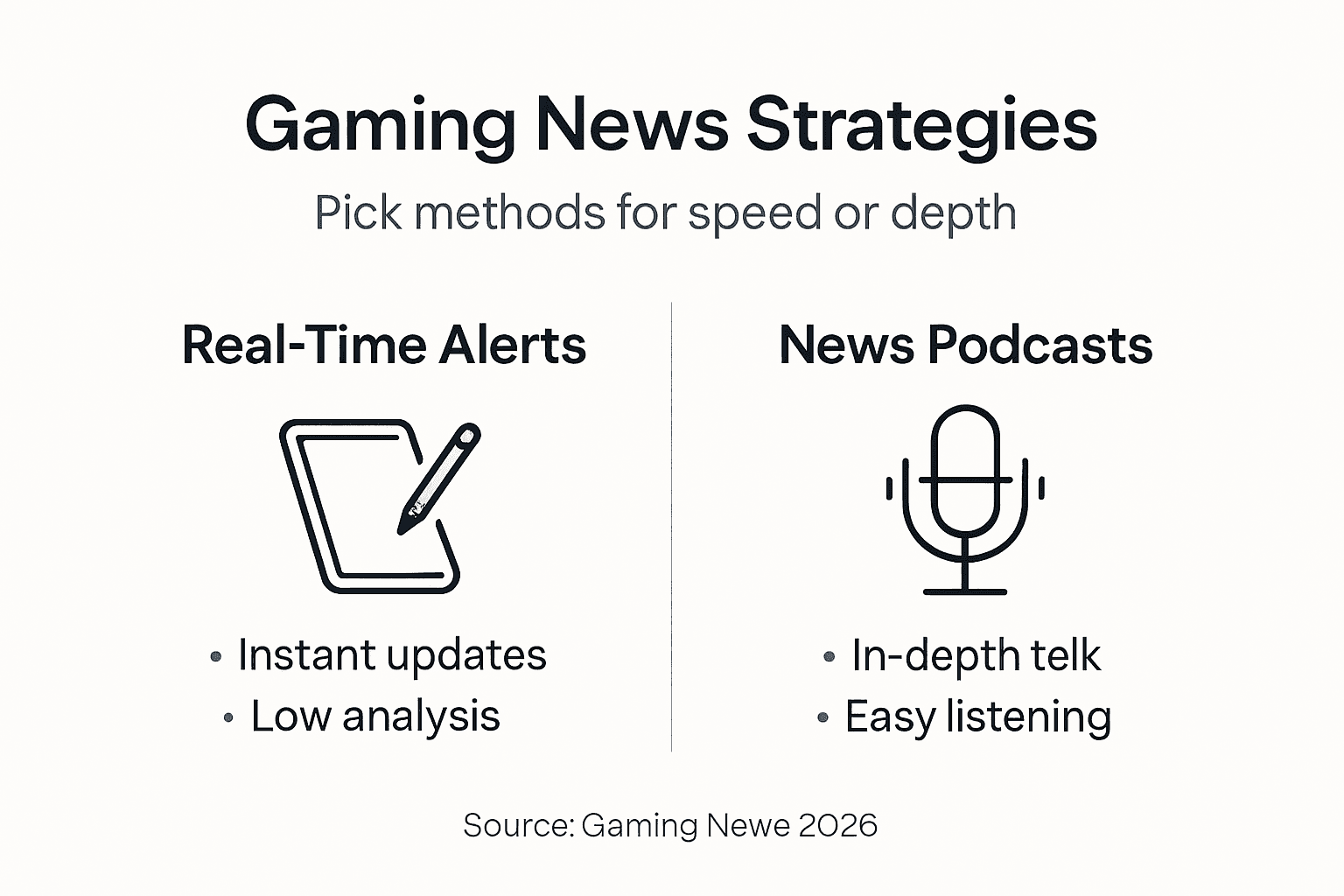
The tradeoff between immediacy and depth shapes your strategy. Real-time alerts get you information first but lack analysis. Gaming newsletters and podcasts arrive later but offer expert perspectives and synthesis.
| Method | Speed | Depth | Engagement | Best For |
|---|---|---|---|---|
| Real-time alerts | Fastest | Minimal | Low | Breaking news |
| Social media | Very fast | Low | High | Community reaction |
| News sites | Fast | Medium | Medium | Daily updates |
| Newsletters | Slow | High | Low | Weekly summaries |
| Podcasts | Slowest | Highest | Medium | Deep analysis |
Combine methods based on your needs. Competitive players need speed. Casual gamers benefit more from depth.
Expected Outcomes and Benchmarks
Following this guide’s strategies yields measurable improvements in news awareness. About 20 minutes daily balances staying informed with actual gaming time. This investment pays off through better decision making on game purchases and strategy adaptation.
Expect these specific outcomes:
- 60% higher news completeness from combining official sources, aggregators, and communities
- 50% reduction in misinformation exposure through systematic verification
- Breaking news awareness within 10 minutes using push notifications and alerts
- Enhanced competitive edge from early patch note and meta shift knowledge
Active participation in two or more communities amplifies situational awareness. You’ll catch regional news, developer comments from streams, and player discoveries that don’t make headlines. Forum members often troubleshoot issues faster than support tickets.
Consistent application builds expertise over weeks. Your ability to spot credible sources and filter noise improves with practice. After one month, you’ll process the same information volume in half the time.
Stay Ahead in Gaming with PCMobileGames
Applying these strategies requires a reliable central hub for gaming content. PCMobileGames delivers timely news, honest reviews, and expert guides tailored for PC and mobile gamers. Our curated gaming news updates save you time by filtering quality content from the noise.
Explore organized categories covering PC, mobile, PlayStation, Xbox, and esports to find exactly what you need. Engage with our community discussions and apply the verification techniques outlined in this guide. Regular visits keep you competitive and enhance your gaming experience with actionable insights. Visit today to transform how you consume gaming news.
FAQ
How can I quickly identify credible gaming news sources?
Look for official developer channels, established news sites with editorial standards, and verified social media accounts. Cross-check information across multiple independent sources before treating it as fact. Be cautious of sensational headlines promising exclusive leaks without evidence.
Always verify social media posts with official announcements or reputable news aggregators before sharing. Avoid relying on single sources and engage with community fact-checking discussions. Check account verification status and post history for credibility indicators.
How much time should I spend daily to stay updated without getting overwhelmed?
Limit gaming news consumption to 20 minutes daily for optimal balance between awareness and gaming time. Prioritize three to five trusted sources and configure notification filters to manage information flow. Quality beats quantity when building your news routine.
Podcasts and newsletters provide deeper analysis and expert commentary but lag behind real-time alerts by hours or days. Use them as supplemental sources for context and multitasking convenience during commutes. Combine both methods for comprehensive coverage that balances speed and depth.
Recommended
Article generated by BabyLoveGrowth
Comments
0 comments

