

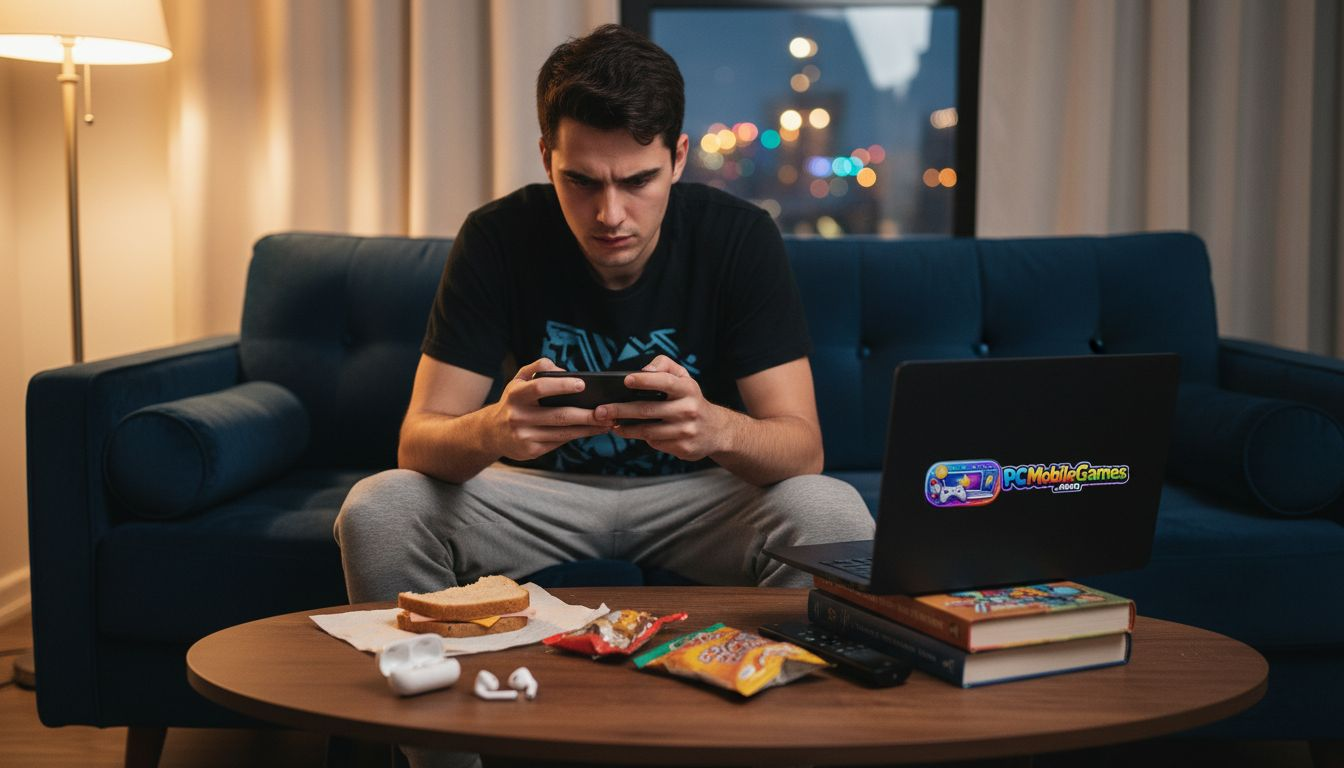
Mobile gamers in 2026 constantly battle lag spikes, thermal throttling, and clunky touch controls that cost them matches. Whether you’re grinding ranked battles on Android or competing in esports tournaments on iOS, optimizing your hardware, software, and accessories can transform frustrating gameplay into smooth, responsive experiences. This guide shares actionable mobile gaming tips that boost performance, extend battery life, and sharpen your competitive edge across both platforms.
Table of Contents
Key takeaways
| Point | Details |
|---|---|
| Choose powerful hardware | Devices with flagship chipsets, high refresh rate displays, and active cooling deliver consistent high FPS. |
| Use game booster apps | Performance utilities reduce frame drops by allocating CPU and GPU resources dynamically during gameplay. |
| Optimize graphics settings | Balancing resolution and effects at 60 FPS for competitive play or 30 FPS for casual gaming conserves battery. |
| Add controllers and cooling fans | External accessories cut input lag by 20% and prevent overheating during extended sessions. |
| Enable voice communication | Apps like Discord reduce team coordination errors by 30% with noise cancellation and cross-platform support. |
How to choose the right mobile gaming setup
Selecting the right mobile gaming hardware determines whether you experience buttery smooth gameplay or frustrating stutters. Your phone’s chipset and GPU are the heart of gaming performance, directly impacting frame rates and graphical fidelity. While price does not always guarantee better gaming performance, specialized gaming features and cooling solutions are key for maintaining high FPS during intense moments.
Display technology matters as much as processing power. A 120Hz or higher refresh rate screen makes every swipe and tap feel instantaneous, giving you a tangible advantage in competitive shooters and MOBAs. Screen size affects visibility too, with 6.5 to 7 inch displays offering the sweet spot between portability and immersion. Battery capacity should exceed 5000mAh to support multi-hour sessions without constant charging interruptions.
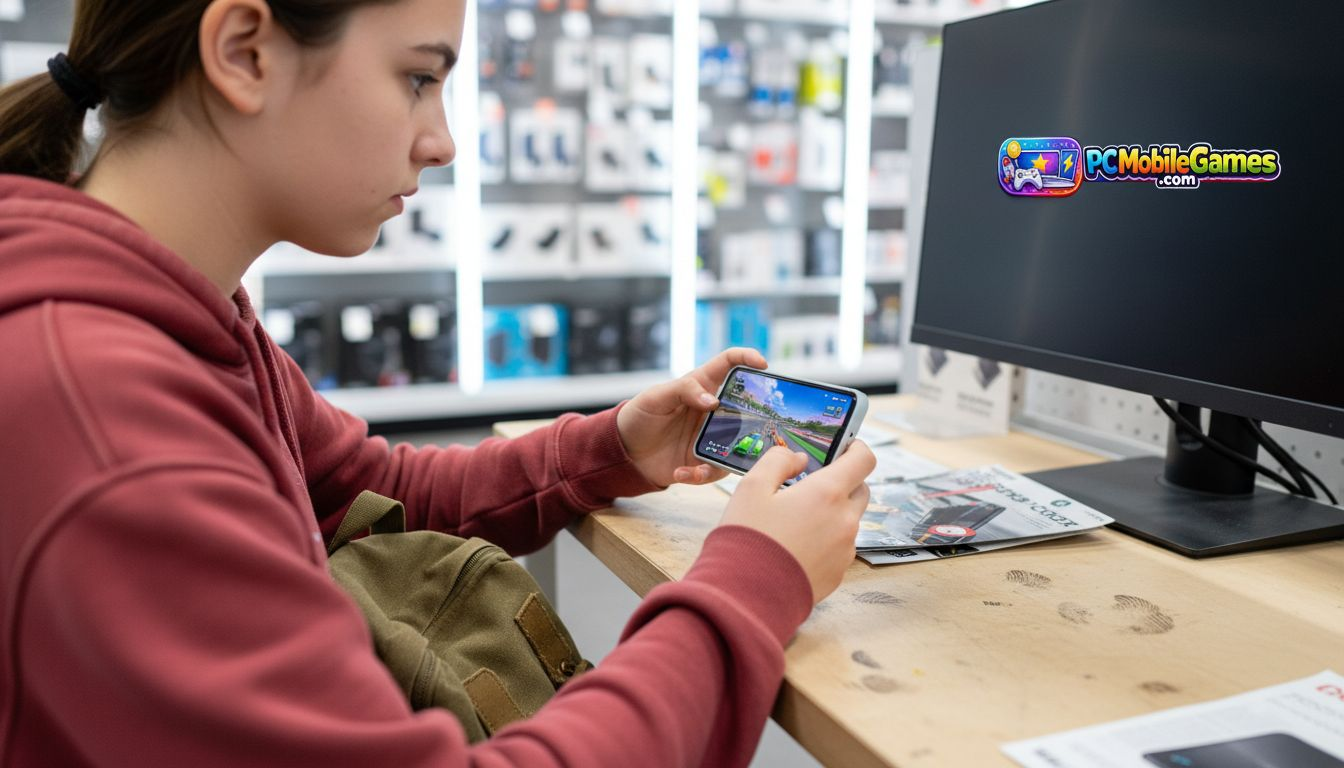
Thermal management separates true gaming phones from standard flagships. Devices with vapor chamber cooling, graphite sheets, or active fan systems prevent the performance throttling that kills frame rates mid-match. When browsing the top gaming phones in 2026, prioritize models advertising sustained performance rather than just peak benchmarks.
Accessory compatibility extends your setup’s capabilities beyond the phone itself. Check for Bluetooth 5.3 support for low latency controllers, USB-C ports for wired peripherals, and mounting points for clip-on cooling fans. These features transform your device into a portable console that matches desktop gaming responsiveness.
Pro Tip: Test phones in-store by running demanding games from the best mobile games of 2025 library to verify real-world performance before committing to a purchase.
Performance optimization utilities
Software optimization squeezes every drop of performance from your hardware without spending extra money. Game booster apps work by reallocating system resources, prioritizing your game’s CPU and GPU access while limiting background processes that steal processing power. Research shows adaptive game booster apps reduce frame drops by up to 25% during critical moments like team fights or boss encounters.
Android users have abundant third-party options including Game Turbo, Game Launcher, and specialized manufacturer utilities built into phones from ASUS, Xiaomi, and OnePlus. These tools offer granular control over performance profiles, network priority, and notification blocking. iOS gamers rely more on the system’s built-in Game Mode, which automatically optimizes resource allocation when it detects gaming sessions.
Real-time performance monitoring helps you identify bottlenecks as they happen. Most game boosters display FPS counters, temperature readings, and network latency overlays during gameplay. When you notice frame rate dips, these metrics reveal whether thermal throttling, RAM limitations, or network instability causes the problem. You can then adjust settings or take cooling breaks accordingly.
Minimizing interruptions maintains your competitive focus and prevents sudden performance drops. Enabling Do Not Disturb mode before gaming on iOS and Android blocks notifications and calls that trigger background processes and break your concentration. Schedule automatic Do Not Disturb during your regular gaming hours for consistent distraction-free sessions.
Pro Tip: Explore mobile game optimization techniques and pair them with Discord app voice chat for seamless team coordination without performance penalties.
Graphics and frame rate settings for smooth gameplay
In-game settings offer the fastest path to performance gains without buying new hardware. Targeting 60 FPS is ideal for competitive mobile games, with mid-tier devices achieving 30 FPS minimum for casual experiences. Competitive players should lock frame rates at 60 FPS for consistent input timing, while casual gamers can prioritize visual effects at 30 FPS for a cinematic experience.
Resolution scaling provides the biggest performance boost with the least visual sacrifice. Dropping from native 1440p to 1080p or even 900p maintains sharp graphics while freeing GPU resources for higher frame rates. Most players won’t notice the difference on screens under 6.5 inches, especially during fast-paced action where you focus on gameplay rather than pixel density.
Graphical effects consume disproportionate resources for minimal visual impact during competitive play. Follow this priority order when optimizing settings:
- Disable motion blur and depth of field effects that obscure enemies
- Lower shadow quality from ultra to medium or off entirely
- Reduce particle effects and environmental details
- Keep texture quality high as it uses VRAM rather than processing power
- Turn off anti-aliasing if frame rates still drop below targets
Frame rate limiters prevent your device from rendering unnecessary frames that drain battery without improving gameplay. Cap your FPS at your display’s refresh rate, as rendering 90 FPS on a 60Hz screen wastes power for invisible frames. Dynamic frame rate options adjust performance based on game intensity, conserving battery during calm exploration while unleashing full power during combat.
Battery life matters as much as performance for mobile gaming marathons. Balancing visual quality with efficiency ensures you can play anywhere without hunting for power outlets.
Apply graphics optimization tips consistently and reference mobile game optimization practices to stay current with emerging techniques as game engines evolve.
Controller and accessory recommendations
External controllers revolutionize mobile gaming by replacing imprecise touch controls with physical buttons and analog sticks. Studies confirm using external controllers like Backbone One and GameSir series reduces input lag by up to 20% compared to on-screen controls, dramatically improving aiming accuracy in shooters and combo execution in fighting games.
Controller selection depends on your platform and connectivity preferences. Backbone One offers the gold standard for iPhone users with Lightning or USB-C connections, providing zero latency through wired connections and a comfortable ergonomic grip. Android gamers benefit from the GameSir X3 and Razer Kishi V2, which accommodate various phone sizes and offer customizable button mapping.
| Controller | Platform | Connection | Key Features | Price |
|---|---|---|---|---|
| Backbone One | iOS/Android | USB-C/Lightning | Zero latency, dedicated app, premium build | $99 |
| GameSir X3 | Android | USB-C | Active cooling, programmable buttons, affordable | $79 |
| Razer Kishi V2 | iOS/Android | Wired | Low latency, console-style layout, portable | $89 |
| Xbox Controller | Both | Bluetooth | Universal compatibility, familiar layout, wireless | $59 |
Cooling accessories prevent the thermal throttling that tanks frame rates during extended sessions. Clip-on cooling fans attach to your phone’s back and blow air across the chipset area, dropping temperatures by 10 to 15 degrees Celsius. This temperature reduction maintains peak clock speeds and prevents the performance degradation that typically begins after 20 to 30 minutes of intensive gaming.
Ergonomic grips and phone stands reduce hand fatigue during marathon sessions. L-shaped grips distribute weight evenly across your palms, while adjustable stands let you play with a controller on a desk using your phone as a monitor. These accessories particularly benefit players who game for 2+ hours daily and experience wrist strain from holding phones at awkward angles.
Pro Tip: Browse mobile gaming controllers and consider specialized peripherals like the vertical gaming mouse for FPS to expand your mobile gaming toolkit beyond traditional options.
Communication tools for competitive play
Voice communication separates coordinated teams from chaotic solo players in competitive mobile gaming. Discord dominates as the cross-platform standard, offering crystal clear voice quality with advanced noise cancellation that filters keyboard clicks, background conversations, and environmental sounds. Effective real-time voice reduces communication errors by 30% in squad-based matches where split-second callouts determine victory.
Cross-platform compatibility ensures your entire team stays connected regardless of device choice. Discord works seamlessly across iOS, Android, and desktop, letting mobile players coordinate with PC teammates without fragmented communication channels. This unified approach eliminates the need for in-game voice chat systems that often suffer from poor audio quality and limited features.
Low latency voice transmission keeps callouts synchronized with gameplay actions. Discord’s optimized mobile apps minimize delay between speaking and teammates hearing your voice, crucial for time-sensitive alerts about enemy positions or ability cooldowns. The app’s automatic volume adjustment prevents loud teammates from drowning out quieter players during intense moments.
Running communication apps alongside games requires careful battery management. Discord’s battery-optimized mobile versions consume roughly 5 to 8% battery per hour during voice calls, a reasonable trade-off for the competitive advantage gained. Keep your phone’s adaptive battery features enabled and close unused background apps to prevent Discord from competing for system resources with your game.
Explore gaming news and communication strategies and download the Discord communication app to transform your solo gaming into coordinated team victories.
Battery and thermal management for longer gaming sessions
Battery optimization determines whether you complete epic gaming marathons or constantly interrupt sessions to recharge. Counter-intuitively, disabling battery saver mode during gaming prevents performance issues. Battery saver throttles CPU and GPU speeds to extend runtime, but this throttling causes frame rate drops and input lag that ruin competitive gameplay. Research proves disabling battery saver, reducing brightness, and using cooling fans extend gaming time by 30% through efficient thermal management rather than artificial performance limits.
Screen brightness consumes more battery than any other component during mobile gaming. Reduce brightness to 40 to 60% in indoor environments and rely on your eyes adapting rather than maxing brightness. Modern OLED displays maintain excellent visibility at moderate brightness levels while dramatically reducing power draw.
Refresh rate adjustments balance smoothness with efficiency. Competitive gamers need 120Hz for responsive controls, but casual players can drop to 90Hz or 60Hz to extend battery life without sacrificing playability. Many games cap frame rates at 60 FPS regardless of display capabilities, making higher refresh rates waste energy without visual benefits in those titles.
External cooling solutions actively manage thermals without relying on battery-draining software tricks. Clip-on Peltier coolers and fan attachments keep chipset temperatures in optimal ranges, allowing sustained peak performance without thermal throttling. These accessories cost $15 to $40 and pay for themselves through extended device longevity and consistent frame rates.
- Close all background apps before launching games to prevent resource competition
- Use airplane mode with Wi-Fi enabled to disable cellular radio battery drain
- Remove phone cases during gaming to improve heat dissipation
- Take 5-minute cooling breaks every 90 minutes to prevent cumulative heat buildup
- Charge phones to 80% rather than 100% to reduce battery degradation over time
Pro Tip: Check battery optimization tips and follow game optimization and battery best practices to maximize your phone’s gaming endurance across multiple years of ownership.
Top mobile gaming phones of 2026 compared
Choosing the right gaming phone in 2026 means comparing specifications, cooling technologies, and real-world performance across leading models. The REDMAGIC 11 Pro delivers unparalleled performance with liquid cooling and Snapdragon 8 Elite Gen 5 at a competitive $749 price point, making it the value champion for Android gamers prioritizing raw power.
| Phone Model | Chipset | Display | Cooling System | Battery | Price |
|---|---|---|---|---|---|
| ASUS ROG Phone 8 Pro | Snapdragon 8 Elite Gen 5 | 6.78" 165Hz AMOLED | Dual vapor chamber + fan | 6000mAh | $1199 |
| iPhone 17 Pro Max | Apple A18 Bionic | 6.7" 120Hz ProMotion | Graphite thermal system | 4852mAh | $1299 |
| REDMAGIC 11 Pro | Snapdragon 8 Elite Gen 5 | 6.8" 144Hz AMOLED | Built-in turbofan + liquid | 6500mAh | $749 |
| Samsung Galaxy S26 Ultra | Exynos 2600 | 6.8" 120Hz Dynamic AMOLED | Vapor chamber | 5500mAh | $1399 |
ASUS ROG Phone 8 Pro targets hardcore gamers willing to pay premium prices for the ultimate package. Its 165Hz display offers the smoothest visuals available on mobile, while dual cooling systems maintain peak performance during tournament-length sessions. The included AeroActive Cooler attachment and shoulder trigger buttons create a console-like experience that justifies the $1199 investment for serious competitors.
iPhone 17 Pro Max appeals to iOS ecosystem users who value optimization over raw specifications. Apple’s A18 Bionic chip delivers exceptional efficiency, running demanding games at sustained frame rates while consuming less battery than Android competitors. The integrated Game Mode automatically optimizes system resources, and seamless iCloud syncing lets you continue progress across iPad and Mac devices.
REDMAGIC 11 Pro disrupts the premium gaming phone market by offering flagship performance at mid-range pricing. Its built-in turbofan eliminates the need for external cooling accessories, and the 6500mAh battery outlasts competitors by 20 to 30% in real-world testing. Physical shoulder triggers and a dedicated gaming mode switch make this phone the best value proposition for budget-conscious competitive gamers.
Stay informed about emerging models and specification updates through latest gaming phone news and browse comprehensive comparisons in the gaming phone category to make confident purchasing decisions.
Situational recommendations for mobile gamers
Matching hardware and accessories to your specific gaming style maximizes value and performance. Competitive gamers chasing leaderboard rankings benefit most from the REDMAGIG 11 Pro paired with a GameSir X3 controller and clip-on cooling fan. This combination delivers tournament-grade performance for under $900 total investment, providing the responsiveness needed for split-second reactions in ranked matches.
iOS users seeking seamless ecosystem integration should choose the iPhone 17 Pro Max with Backbone One controller. This pairing offers zero-latency controls and automatic game library syncing across Apple devices, perfect for players who alternate between phone and tablet gaming. The premium price reflects Apple’s optimization advantages and long-term software support spanning 5+ years.
Casual gamers playing story-driven RPGs and turn-based strategy games can balance cost and performance with mid-tier options. The ASUS ROG Phone 8 Pro provides flagship features at accessible pricing, especially when purchased during seasonal sales. Pair it with a basic cooling fan rather than expensive controllers, as touch controls work fine for slower-paced games.
Extended session players should prioritize thermal management and battery capacity above all else. Invest in the REDMAGIC 11 Pro for its superior cooling system and massive 6500mAh battery, then add a Peltier cooler for marathon gaming sessions exceeding 4 hours. This setup prevents the performance degradation and discomfort that plague lesser devices during long raids or competitive tournaments.
- Competitive FPS/MOBA players need high refresh rate displays, external controllers, and active cooling
- Casual mobile gamers benefit more from battery capacity and screen size than peak performance
- iOS users gain ecosystem advantages that offset Android’s superior customization options
- Budget-conscious gamers should invest in cooling accessories before upgrading to flagship phones
Find personalized advice for your gaming situation through mobile gamer recommendations tailored to your platform, budget, and favorite game genres.
Explore more mobile gaming news and tips
Optimizing your mobile gaming setup is an ongoing journey as new devices, accessories, and techniques emerge throughout 2026. PCMobileGames delivers comprehensive coverage of the latest gaming phones, performance optimization strategies, and competitive gaming insights to keep you ahead of the curve. Our expert reviews cut through marketing hype to identify which hardware genuinely improves gameplay versus empty specifications that look impressive on paper.
Stay current with breaking announcements about upcoming devices, software updates, and game releases through our gaming news and updates section. Access in-depth guides covering advanced topics like custom ROM optimization, competitive tournament preparation, and platform-specific tweaks through our gaming guides and reviews library. Join a community of passionate mobile gamers who share tips, troubleshooting advice, and match highlights to level up your play together.
Frequently asked questions
What are the best tips to reduce lag on mobile games?
Close all background apps before launching games to free up RAM and processing power for your gaming session. Enable your phone’s built-in game booster or performance mode to prioritize system resources for the game rather than background processes. Use wired internet connections or position yourself near your Wi-Fi router to minimize network latency, as wireless signal strength directly impacts online gaming responsiveness. Keep your device temperature below 40°C with cooling accessories, since thermal throttling reduces performance and increases input lag during extended play.
How can I extend my phone’s battery life during long gaming sessions?
Reduce screen brightness to 40 to 60% and lower your display refresh rate to 90Hz or 60Hz if you’re playing casual games that don’t require maximum smoothness. Disable battery saver mode before gaming, as it throttles performance and causes more problems than it solves during active gameplay. Use clip-on cooling fans to prevent overheating, which forces your phone to throttle performance and actually drain battery faster through inefficient operation.
Are external controllers worth the investment for mobile gaming?
Controllers reduce input lag by up to 20% and dramatically improve aiming accuracy in first-person shooters and action games where precision matters. They’re essential investments for competitive FPS and MOBA players who need console-quality controls to compete at higher ranks. Casual gamers playing puzzle games or turn-based RPGs gain less benefit from controllers, though they still enhance comfort during long sessions by eliminating the need to obscure the screen with your thumbs.
What are the key differences in optimizing games on iOS vs Android?
Android offers more third-party game booster apps and granular customization options, but often requires more manual optimization to prevent background apps from stealing resources. iOS optimization relies primarily on the system’s built-in Game Mode and superior resource management, delivering consistent performance with less user intervention required. Both platforms benefit equally from enabling Do Not Disturb mode and managing notification settings to prevent interruptions during competitive matches.
Recommended
- Stay Updated on Gaming News: 60% More Coverage in 2026
- Best 10 Mobile Games of 2025: Did You Play These? – PCMobileGames
- Header Template – Default PRO – PCMobileGames
- Footer Template – Default PRO – PCMobileGames
- Important Is Mobile Optimization For Local: Complete Guide
- 7 κορυφαίες συμβουλές από τον οδηγό gadget trends 2026 – Asknik
Comments
0 comments

