


Gamers waste hours searching for cheat codes that either don’t work or compromise their devices with malware. This comprehensive guide shows you how to locate verified cheat codes, prepare your system properly, and apply cheats safely across PC and mobile platforms. You’ll learn to enhance your gaming experience while avoiding common pitfalls like outdated codes, security risks, and account bans.
Table of Contents
Key takeaways
| Point | Details |
|---|---|
| Reliable sources matter | Verified, updated cheat sources prevent wasted time and security risks. |
| Preparation prevents problems | Compatibility checks and backups ensure safe cheat application. |
| Platform-specific methods | PC and mobile require different application techniques and tools. |
| Security is critical | Proper precautions prevent malware infections and account bans. |
| Troubleshooting increases success | Knowing how to fix common errors improves cheat activation rates. |
Introduction to game cheat codes
Cheat codes are special inputs, commands, or modifications that alter gameplay mechanics to unlock features, gain advantages, or modify game behavior. They range from simple button combinations to complex software modifications. Understanding what cheat codes are and how they function helps you use them effectively and responsibly.
Cheat codes have evolved from arcade cabinet test modes in the 1980s to sophisticated software tools today. Early games like Contra popularized the famous Konami Code, while modern games often hide cheats as Easter eggs or developer tools. This evolution reflects changing gaming culture and developer attitudes toward player freedom.
Gamers use cheat codes for various reasons:
- Overcoming difficult sections without frustration
- Experimenting with game mechanics and physics
- Extending replay value through new experiences
- Creating content for streaming or video production
- Testing game features for personal curiosity
The ethics of cheating vary dramatically between game modes. Single-player cheating affects only your experience and remains widely accepted. Multiplayer cheating destroys competitive balance, violates terms of service, and often results in permanent bans. Always respect this distinction to maintain fair play and account security.
Pro Tip: Most game developers tolerate single-player cheats but actively combat multiplayer exploits with anti-cheat systems that detect unauthorized modifications.
Prerequisites: what you need before using cheat codes
Successful cheat application starts with proper preparation. Rushing into cheat usage without checking compatibility or securing your system leads to crashes, corrupted saves, and security vulnerabilities. Taking time to prepare prevents frustration and protects your gaming investment.
Verify your game version matches the cheat code requirements. Developers frequently patch games, and outdated cheats fail or cause instability. Check the cheat source for version compatibility information before proceeding. Most reliable sources clearly state which game builds their codes support.
Essential preparation checklist:
- Updated antivirus and anti-malware software running actively
- Complete backup of game save files to external storage
- Stable internet connection for downloading tools safely
- Administrator access on your device for installations
- Sufficient storage space for cheat management tools
Backing up game files protects against corruption if cheats malfunction. Cloud saves offer additional protection, but local backups provide faster recovery. Create backups before every cheat application session.
| Requirement | PC | Mobile |
|---|---|---|
| Backup method | Manual file copy or cloud sync | Cloud save or device backup |
| Security software | Full antivirus suite required | Play Protect or equivalent |
| Root/admin access | Usually unnecessary | May require root for some cheats |
| Tool installation | Cheat Engine or trainers | APK mods or cheat apps |
Understand which game modes permit cheat usage. Campaign and offline modes typically allow cheats without consequences. Online modes with leaderboards or competitive features ban cheat users aggressively. Some games disable achievements when cheats activate, so consider whether unlocks matter to you.
Pro Tip: Create a separate game profile specifically for cheating to preserve your legitimate progress and achievements on your main profile.
How to locate and verify reliable cheat codes
Finding trustworthy cheat codes requires knowing where to look and how to verify authenticity. The internet overflows with outdated, fake, or malicious cheat listings that waste time or harm your system. Developing verification skills protects you from these risks.
Top reliable cheat sources include official game forums, established gaming communities like Reddit’s game-specific subreddits, and reputable gaming websites with editorial oversight. Developer social media accounts occasionally share hidden cheats or debug commands. These sources update regularly and community members quickly flag problematic codes.

Cross-checking codes across multiple independent sources confirms validity. If three trusted sites list identical cheat inputs, they likely work. Discrepancies between sources suggest outdated information or platform differences. Pay attention to user comments reporting success or failure with specific game versions.
Recognizing scam indicators:
- Requests for personal information or payment
- Promises of impossible features like unlimited premium currency
- Suspicious download links without clear source attribution
- Excessive advertisements obscuring actual content
- No user feedback or community discussion
Using official forums reduces risk because moderators remove malicious content. Community members actively discuss which cheats work and which cause problems. This peer verification system catches issues faster than any individual could.
Developer posts carry maximum authority when they acknowledge cheat codes. Some developers intentionally include cheats for testing or fun, documenting them in patch notes or blog posts. These official confirmations guarantee code legitimacy and safety.
Pro Tip: Bookmark three to five trusted cheat sources and check them first whenever you need codes for a new game, building your personal verified resource library.
Step-by-step guide to applying cheat codes on PC and mobile
Applying cheat codes varies significantly between platforms. PC gaming offers more flexibility with external tools, while mobile requires different approaches depending on operating system restrictions. Following platform-specific procedures ensures successful activation.
Manual PC cheat entry for games with built-in console access:
- Launch the game and load your save file completely
- Open the developer console using the tilde key or designated button
- Type the cheat code exactly as documented, respecting capitalization
- Press Enter and watch for confirmation messages
- Test the cheat effect immediately to verify activation
Common manual entry mistakes include typos, incorrect spacing, and case sensitivity errors. Copy-paste from verified sources when possible to eliminate transcription errors. Some games require enabling console access through configuration files before accepting commands.
Using cheat management tools like Cheat Engine on PC:
- Download Cheat Engine only from the official website to avoid malware
- Install with default settings, declining any bundled software offers
- Launch Cheat Engine before starting your game
- Attach Cheat Engine to the game process through the computer icon
- Load verified cheat tables from trusted community sources
- Activate desired cheats via checkboxes in the table interface
Adjusting device settings on mobile prepares for cheat installation. Android users must enable installation from unknown sources in security settings. iOS users typically need jailbroken devices for most cheat applications, though some games support official debug menus.
Mobile cheat application steps:
- Research whether your game version supports the specific cheat method
- Download modified APK files only from communities with verified uploaders
- Uninstall the original game app after backing up saves
- Install the modified version and restore your save data
- Launch and verify cheat functionality in a low-stakes game session
Testing cheat activation prevents assuming cheats work when they don’t. Spawn a test item, modify a stat, or trigger the intended effect in a safe environment. This verification step saves frustration during actual gameplay.
Platform-specific efficiency tips include creating desktop shortcuts for frequently used cheat tools on PC and organizing cheat apps in dedicated folders on mobile. Streamlining your workflow makes cheat usage more convenient for regular sessions.
Security and safety precautions
Cheat code usage introduces security risks that careful gamers must address. Malware disguised as cheat tools, account bans from anti-cheat systems, and corrupted game files represent the primary dangers. Implementing safety measures minimizes these threats substantially.
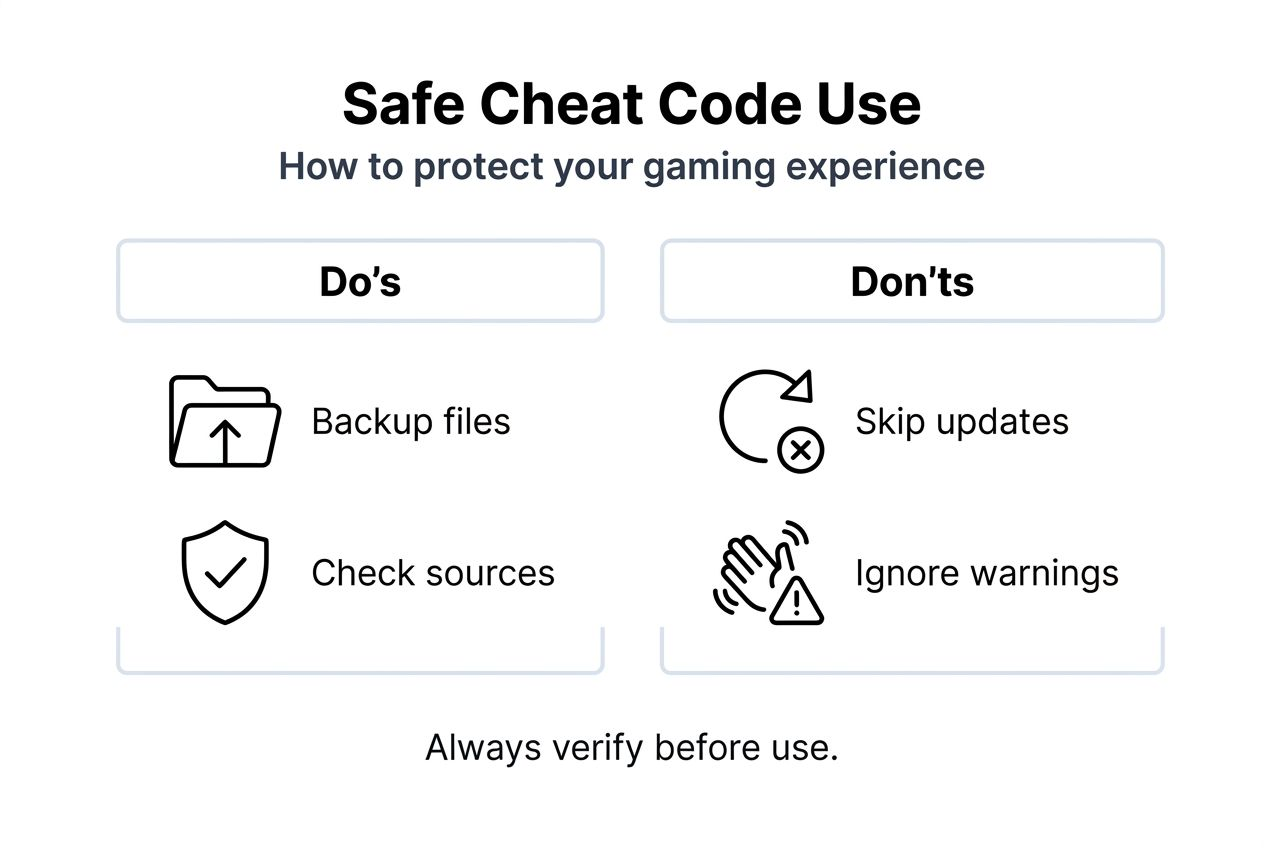
Malware risks peak when downloading executable files or modified game clients. Cybercriminals exploit gamers’ desire for cheats by packaging keyloggers, ransomware, and cryptocurrency miners inside fake cheat programs. Unsafe cheat tools result in device infections that steal personal data or hijack system resources.
Identifying suspicious downloads:
- File sizes dramatically larger or smaller than expected
- Requests for unnecessary system permissions
- No digital signatures from recognized publishers
- Antivirus warnings during download or installation
- Source websites with poor reputation scores
Avoiding bans requires respecting multiplayer boundaries absolutely. Game publishers invest heavily in anti-cheat technology that detects memory modifications, packet manipulation, and abnormal player statistics. A single multiplayer cheat detection often results in permanent account termination with no appeal process.
Security best practices for cheat applications:
- Run antivirus scans on all downloaded files before opening
- Use virtual machines for testing questionable cheat tools
- Never enter account credentials into third-party cheat software
- Monitor system resource usage for unexpected spikes
- Read user reviews focusing on security complaints
Choosing safe sources means prioritizing established communities over anonymous file-sharing sites. Reputation systems, user feedback, and moderator oversight create accountability that discourages malicious uploads. Sites with long operational histories and active communities offer better safety.
“The best cheat is one that enhances your fun without compromising your security. Always verify before you apply, and never risk your account on multiplayer cheats.”
Monitoring behavior after applying cheats helps catch problems early. Watch for unusual system slowdowns, unexpected network traffic, or game instability. These symptoms may indicate corrupted files or malware requiring immediate action. Remove cheats and run security scans if you notice anything suspicious.
Common errors and how to fix them
Cheat code failures frustrate gamers who followed instructions carefully. Understanding typical error causes accelerates troubleshooting and increases success rates. Most problems stem from simple mismatches or oversights rather than fundamental compatibility issues.
Outdated codes cause the majority of cheat failures. Game patches alter memory addresses, variable names, and function calls that cheats rely on. A code working perfectly in version 1.0 may fail completely in version 1.2. Always verify your game version matches the cheat’s documented compatibility before troubleshooting further.
Input errors and formatting problems:
- Extra spaces before or after the command string
- Wrong quotation mark types in complex commands
- Numpad numbers when regular keyboard numbers required
- Incorrect special character substitutions
- Case sensitivity violations in command names
Most cheat code failures come from bad input rather than invalid codes. Carefully comparing your typed command character by character against the source documentation catches these errors. Some games display error messages indicating syntax problems versus unrecognized commands.
Compatibility mismatches extend beyond version numbers. Regional game variants, language settings, and platform differences affect cheat functionality. A cheat working on Steam might fail on Epic Games Store due to different executable versions. Check whether your specific game distribution matches the cheat’s tested platform.
Recovery steps for failed attempts:
- Restart the game completely to reset memory state
- Verify game file integrity through launcher tools
- Redownload cheat files in case of corruption
- Check community forums for version-specific workarounds
- Restore backup saves if game behavior becomes unstable
Double-checking codes before application saves time. Read the entire cheat documentation including prerequisites, activation conditions, and known limitations. Some cheats require specific game states, like being in the main menu or having completed certain missions. Meeting these conditions prevents wasted troubleshooting effort.
Expected results and how to measure success
Setting realistic expectations prevents disappointment with cheat code outcomes. Cheats enhance gameplay within technical and design limitations, not create unlimited possibilities. Understanding what success looks like helps evaluate whether cheats deliver value.
Successful activation manifests through immediate, observable effects. Resource cheats add items to inventory instantly. Stat modifiers display changed numbers in character sheets. Physics cheats alter movement or environmental behavior visibly. Lack of these confirmations indicates activation failure requiring troubleshooting.
Time savings benchmarks vary by cheat type and game design. Resource cheats eliminate grinding, potentially saving 10 to 20 hours in lengthy RPGs. Level skip cheats compress 30-hour campaigns into focused 8-hour experiences. Invincibility cheats let players explore without combat delays.
Proper use of cheat codes can reduce gameplay time significantly while maintaining enjoyment. Single-player experimentation increases satisfaction by letting you experience content otherwise locked behind difficulty walls or time investments.
| Success Metric | With Cheats | Without Cheats |
|---|---|---|
| Average completion time | 8 to 12 hours | 25 to 40 hours |
| Frustration on hard sections | Minimal with god mode | High on difficulty spikes |
| Content accessibility | 100% immediately available | Gated by skill and time |
| Achievement satisfaction | Reduced if disabled | High from earned progression |
Gameplay enhancement quality depends on implementation care. Well-designed cheats amplify fun by removing tedium while preserving challenge. Poorly applied cheats eliminate all difficulty, making games boring. Finding your personal balance between assistance and engagement maximizes satisfaction.
Multiplayer limitations remain absolute. Cheats cannot bypass server-side validation, create items that don’t exist in game code, or fundamentally redesign game mechanics. Expecting impossible results leads to disappointment and potentially dangerous attempts to bypass restrictions.
Avoiding negative outcomes like crashes and security issues measures success beyond gameplay. Stable performance, clean security scans, and maintained account standing indicate you applied cheats safely. These factors matter as much as the entertainment value cheats provide.
Enhance your gaming with PCMobileGames
PCMobileGames delivers trusted cheat guides, game reviews, and gaming news that help you play smarter. Our expert team tests cheats before publication, ensuring you get working codes without security risks. We cover PC and mobile gaming extensively, providing insights for every skill level.
Explore our comprehensive resources to understand why game reviews matter when choosing your next title. Our honest reviews help you invest time in games worth playing. Looking to share your gaming expertise? Join our community and contribute guides that help fellow gamers.
Visit PCMobileGames regularly for updated cheat codes, gaming tips, and industry news that keep you ahead of the curve. Your next gaming breakthrough starts here.
FAQ
What are cheat codes and how do they work?
Cheat codes are special inputs or commands that alter gameplay by triggering hidden functions in game code. They work by accessing developer tools or modifying memory values that control game mechanics, resources, or character abilities.
Are cheat codes safe to use on mobile devices?
Cheat codes can be safe when sourced from verified sites and official app stores. Using security software, avoiding suspicious downloads, and sticking to single-player modes minimizes risks substantially.
How can I avoid getting banned when using cheats?
Avoid cheats entirely in multiplayer or online games where anti-cheat systems actively monitor for modifications. Use cheats only in single-player or offline modes, and always check game terms of service regarding cheat policies before applying any codes.
What should I do if a cheat code doesn’t work?
Check if the cheat matches your exact game version and platform. Verify code accuracy against multiple sources, restart your game completely, and review community forums for version-specific fixes. If problems persist, restore your backup save and try alternative cheat sources.
Can cheat codes corrupt my game saves?
Yes, incompatible or poorly coded cheats can corrupt save files. Always create backups before applying any cheats, and test cheats in separate save slots when possible to protect your main progress.
Recommended
Comments
0 comments

