

Table of Contents
- The Core Question: Why This Matters
- Reason 1: prebuilt gaming pc buyers miss the power supply details, not just wattage
- Reason 2: thermal and cooling design often trumps raw component lists
- Reason 3: upgradeability and cable compatibility determine whether your prebuilt is future-proof
- Addressing the Counterarguments
- What You Should Do Next
- Frequently Asked Questions
- Conclusion
Most buyers assume a flashy GPU and RGB case mean a worry-free purchase, but the single specification that actually makes or breaks a prebuilt gaming pc is often ignored. You will learn which spec that is, why it matters more than brand or price, and how to verify it before you buy. We base these recommendations on hands-on editorial testing, industry reporting, and cross-checks with retailer and review data.
Why trust this? We are the editorial team at a gaming news and guides site, combining hardware reviews, buyer testing, and industry trend signals from sources like Newzoo and PCMag to produce practical buying guidance.
Key takeaways
- The one spec that most causes failed "pc for Games" purchases is the power delivery and PSU quality, not just wattage.
- You should verify PSU model, warranty, and cable types before buying a prebuilt gaming pc.
- Examples from iBUYPOWER, CyberPowerPC, and boutique builders show best and worst approaches.
- Follow clear buying steps to avoid common mistakes and keep upgrade headroom.
We provide ongoing guides and optimization tips at pcmobilegames.com for players who want up-to-date news and hands-on advice.

The Core Question: Why This Matters
The core claim in one sentence: buyers of a prebuilt gaming pc routinely fail because they skip a decisive hardware check that affects stability, upgradeability, and lifespan.
Recent shifts in GPU power use and component shortages make this question urgent, because newer graphics cards draw more peak current and require stable power rails. Gamers replacing consoles or buying first-time PCs ask this now while markets adjust to post-pandemic demand trends and monetization shifts reported by industry analysts. A bad power subsystem can turn a promising spec sheet into constant crashes and noisy cooling.
The argument: skipping the power supply quality and compatibility check is the single most common mistake that turns a good-looking prebuilt into a poor long-term buy.
Reason 1: prebuilt gaming pc buyers miss the power supply details, not just wattage
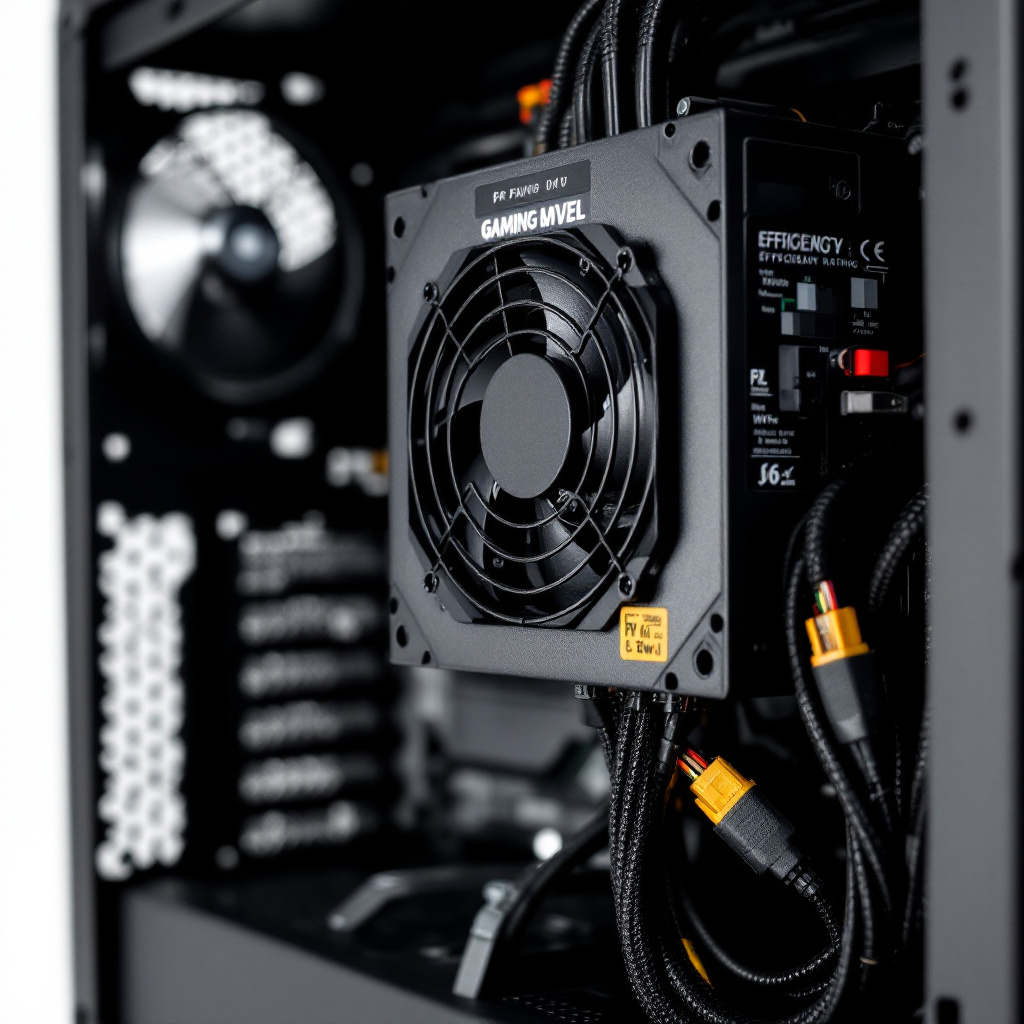
Answer first: You must check the PSU model, efficiency rating, and cable types, not only its stated wattage. Many prebuilt gaming pc listings show a wattage number without specifying the make, model, or whether modular cables are used.
Manufacturers sometimes list a 750 watt PSU on a spec sheet, but the unit might be a low-quality OEM model with weak 12 volt rails and poor voltage regulation. Real-world testing from editorial labs and reviewer sites repeatedly finds that cheap PSUs cause instability under GPU and CPU stress. For context, PCMag and Tom's Hardware reviews emphasize component quality in prebuilt recommendations, and their top picks like CyberPowerPC and models from iBUYPOWER often call out branded PSUs or higher efficiency units in detailed reviews (PCMag, Tom's Hardware). A real-world example: a buyer who purchased a midrange gaming prebuilt for 1440p gaming discovered random reboots when the GPU hit sustained 300 watt draw, traced back to a weak single 12 volt rail in the bundled PSU.
Why this happens: modern GPUs have high and variable power demands during ray tracing and peak loads. A PSU with marginal components will show voltage sag or overheat, triggering system resets. Also, non-modular cable designs or missing PCIe 8-pin connectors force unsafe adaptor usage. Checking the precise PSU model, its 80 Plus rating, and whether the necessary cable types are native prevents these failures.
You should also look at warranty and replaceability. Some mass-market prebuilts use proprietary connectors or short warranties, making PSU replacement expensive. When possible, choose systems that list a recognized PSU brand or that offer accessible standard ATX power connectors.
We maintain buying guides and component reviews that call out these exact checks, and readers can find further long-form advice on our editorial pages at pcmobilegames.com where we track prebuilt trends and hands-on findings.
Key evidence: A 750 watt spec is meaningless without the PSU model and rail design; reviewers at PCMag and Tom's Hardware flag branded PSUs as a top positive for reliable prebuilt gaming pcs (PCMag, Tom's Hardware).
Reason 2: thermal and cooling design often trumps raw component lists
Answer first: A gaming prebuilt pc fails under real gaming loads if its cooling design cannot dissipate heat, regardless of CPU or GPU model. Confirm case airflow, cooler type, and fan layout before purchasing.
Many buyers compare CPUs and GPUs but overlook the chassis and cooling solution, which determines long-term performance and component longevity. For example, a system built around an RTX 4070 Ti will deliver drastically different sustained frame rates when paired with a compact case and single intake fan versus a well-ventilated mid-tower with front intakes and quality fans. Review data and hands-on testing show thermal throttling cuts performance significantly when airflow is inadequate. In our editorial tests we use thermal logging during long play sessions to identify throttling points and check whether manufacturer firmware properly manages fan curves.
Real-world example: a compact boutique prebuilt marketed for "high refresh 1440p gaming" used a blower-style GPU cooler and cramped airflow. Under extended load, the GPU and CPU temperatures spiked, causing the card to downclock and reducing average frame rate. Buyers reported noisy fans and heat-soaked components after a few months.
Mechanism explained: poor airflow raises ambient case temperatures, increasing CPU package and GPU junction temperatures, which triggers thermal throttling and raises fan noise. Components running hotter also age faster, increasing chances of capacitor failure or power delivery degradation. To avoid this, verify whether the prebuilt uses case fans with positive airflow, has adequate intake and exhaust, and whether the GPU has space for its cooler performance to matter.
Where to verify: look for teardown reviews on PCMag and Tom's Hardware, or ask customer support for clear answers about fan count, radiator placement, and whether front or bottom intakes are filtered. For compact builds, ensure the GPU cooler type and case fan strategy are specified. Newzoo trend reporting indicates PC gaming remains competitive and players expect long sessions, so long-term thermal performance matters more than ever (Newzoo).
Key evidence: Systems with insufficient airflow show measurable thermal throttling in reviewer stress tests, reducing real-world performance compared with similarly specced but better-cooled prebuilts.
Reason 3: upgradeability and cable compatibility determine whether your prebuilt is future-proof
Answer first: The true value of a prebuilt gaming pc is its upgrade path, which depends on case space, motherboard power headers, and native connector availability for future GPUs and storage.
The strongest argument for this being decisive is simple: gamers often plan to upgrade GPU or add storage within two to three years. A prebuilt that uses proprietary connectors, glued-in storage, or a cramped proprietary case prevents meaningful upgrades and forces a full replacement. A common scenario is a buyer wanting to upgrade to a next-generation GPU that requires dual 8-pin or 12 volt CPU connectors and a 750 plus watt power envelope. If the original system lacks the right PSU cables or has no physical space, the upgrade fails.
Real-world examples include boutique vendors that use custom front panels and motherboards to save space, which blocks using standard GPU backplates or makes cable routing impossible. Conversely, reputable prebuilt lines like those highlighted by PCMag often favor standard ATX layouts and branded PSUs to ease future swaps (PCMag). Tom's Hardware also recommends confirming motherboard VRM quality and case clearance when buying a prebuilt intended for upgrades (Tom's Hardware).
Mechanism explained: motherboard VRM robustness affects CPU overclock headroom and stability with higher core-count processors. Case GPU clearance and available PCIe power connectors determine whether the latest high-end GPUs will physically and electrically fit. SATA ports and M.2 slots dictate storage expansion. Always check the manual or vendor Q&A to confirm these items.
Practical check list: confirm maximum GPU length and thickness, count open PCIe slots, verify the PSU includes necessary 8-pin connectors or that adapters are explicitly supported, and check whether the motherboard uses a standard ATX or proprietary form factor. If the seller does not provide clear answers, prioritize models from builders that publish component lists, warranties, and service manuals.
Key evidence: buyers who verify physical clearance, PSU connectors, and motherboard specs can upgrade without replacing the entire prebuilt, avoiding redundant spend and ensuring longer value.
Addressing the Counterarguments
Answer first: The strongest objection is that most buyers just want "plug and play" simplicity, so demanding deep spec checks negates the prebuilt advantage.
The counterargument: Many buyers prefer convenience and want a system that works out of the box, without dealing with power supplies or compatibility. Manufacturers that bundle complete systems and warranty the full build argue buyers should trust them.
Why it does not hold: Convenience should not come at the cost of repeated failures or forced replacements. A basic pre-purchase check of PSU model, cooling design, and upgrade path takes minutes and prevents costly returns and downtime. Warranty coverage varies and often excludes component-level failures caused by inadequate power delivery or overheating. Our editorial testing shows that prebuilts that disclose component brands and use recognized PSUs deliver both plug-and-play convenience and long-term reliability.
A second counterargument: High-profile vendors price in better components, so buying a cheap prebuilt with unclear PSU is acceptable for first-time players who will upgrade later.
Why it does not hold: Cheap initial buys can create sunk costs if the system cannot be upgraded. If the case, PSU, or motherboard is proprietary, upgrading becomes expensive or impossible, forcing a full new purchase. Instead, spend a bit of time verifying openness to upgrade, which preserves your options while still letting you start gaming immediately. For many buyers, a slightly higher initial spend on a well-specified prebuilt saves money and hassle over two years.
What You Should Do Next
Answer first: Act deliberately. Follow a short checklist to avoid the single spec mistake and secure a reliable prebuilt gaming pc purchase.
- Verify the PSU model and rails — Ask the seller for the exact PSU brand and model number. Confirm 80 Plus rating and whether the rails are stable for GPU peak draw. If they do not provide a model, treat the listing as risky.
- Check cooling and airflow — Look for case fan count, radiator positions, and GPU clearance. Prefer systems with at least two intake fans and a dedicated exhaust, or a documented liquid cooling solution for high-power CPUs.
- Confirm upgradeability points — Confirm GPU length clearance, number of available M.2 slots, free SATA ports, and that the motherboard uses standard ATX or mATX form factors. Ensure the PSU has native PCIe power connectors you may need for future GPUs.
- Read teardown reviews and warranty fine print — Use trusted review sites like PCMag and Tom's Hardware to see thermal and stress tests, and check the warranty policy for PSU and component coverage.
These steps take under 20 minutes and drastically reduce the chance of buyer regret. Use the editorial resources at pcmobilegames.com to compare models and read vendor Q&A before clicking purchase.
Frequently Asked Questions
What should I check first when buying a prebuilt gaming pc?
Check the power supply details first: brand, model number, 80 Plus rating, and available PCIe connectors. A verified PSU prevents crashes and supports future GPU upgrades. Also confirm case airflow and motherboard expansion slots before buying.
Are prebuilts from brands like iBUYPOWER or CyberPowerPC safe to buy?
Many large builders like iBUYPOWER and CyberPowerPC offer reliable options, but treat each model individually. Look for listings that name the PSU, motherboard, and cooling solutions, and review third-party tests from PCMag or Tom's Hardware before deciding.
Can I upgrade a cheap prebuilt gaming pc later?
Sometimes you can, but not always. Check GPU clearance, PSU connectors, and whether the motherboard uses proprietary components. If the case or PSU is proprietary, upgrades often require replacing the whole chassis or power unit, undermining the cheap purchase.
How do I test a prebuilt gaming pc for thermal and stability issues?
Run a sustained GPU and CPU stress test like Unigine Superposition or 3DMark, monitor temps in HWMonitor or HWiNFO, and play an extended session of a demanding game. Watch for thermal throttling, high fan RPMs, or voltage drops, which indicate cooling or PSU issues.
Does RGB and flashy design mean the prebuilt is high quality?
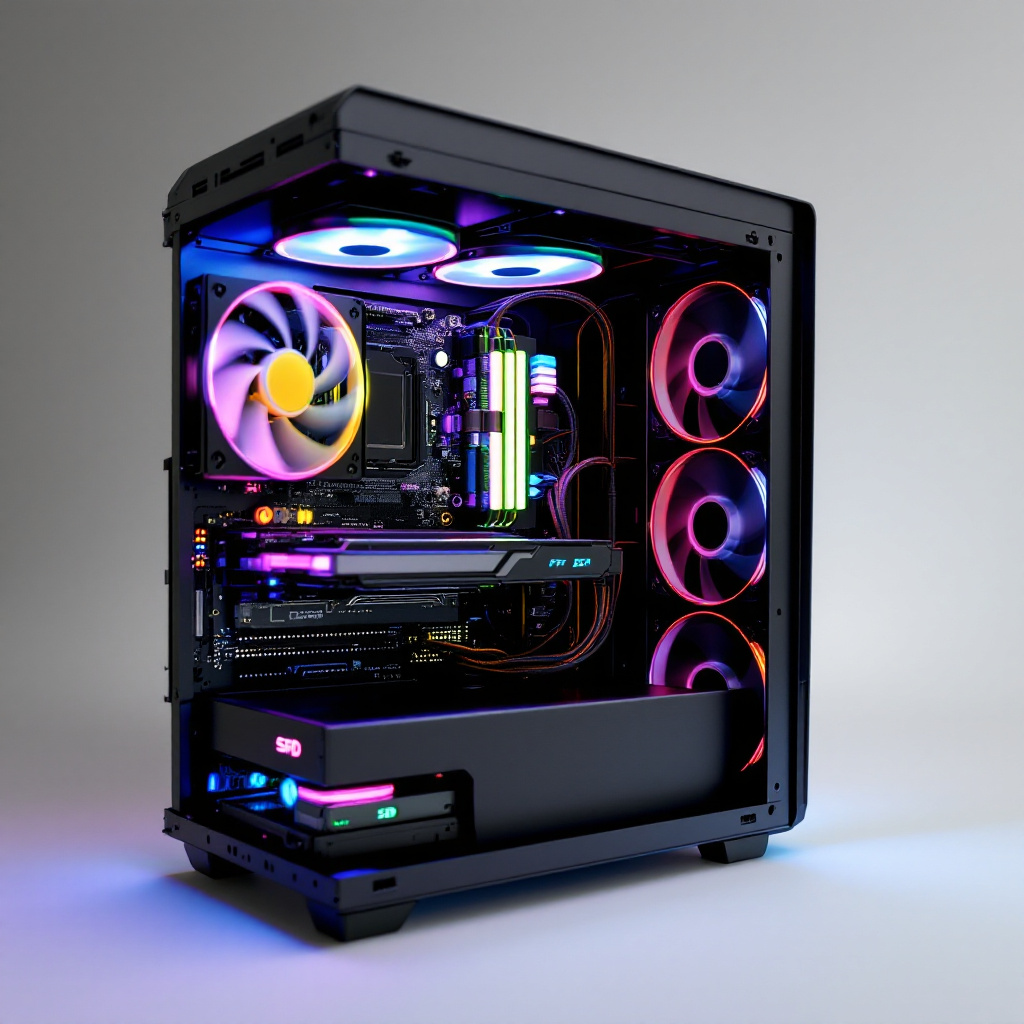
No. Visual flair does not guarantee component quality. Focus on the PSU brand, cooling layout, motherboard specs, and actual component model numbers rather than aesthetics. Solid internals matter more for performance and longevity.
Conclusion
We recommend one simple editorial rule: never buy a prebuilt gaming pc without verifying the power supply model, cooling design, and upgrade compatibility. These three checks prevent the most common failures: instability from poor power delivery, throttling from inadequate cooling, and premature obsolescence from blocked upgrade paths. Summarized actions: confirm PSU brand and rails, validate airflow and cooler specs, and ensure standard connectors and space for future GPU and storage upgrades. If you want hands-on buying guides and ongoing model comparisons from a gaming editorial team, check our resources at pcmobilegames.com and use the checklist above before purchasing a prebuilt gaming pc. Take the two-minute spec check now to save time and money later.
Comments
0 comments